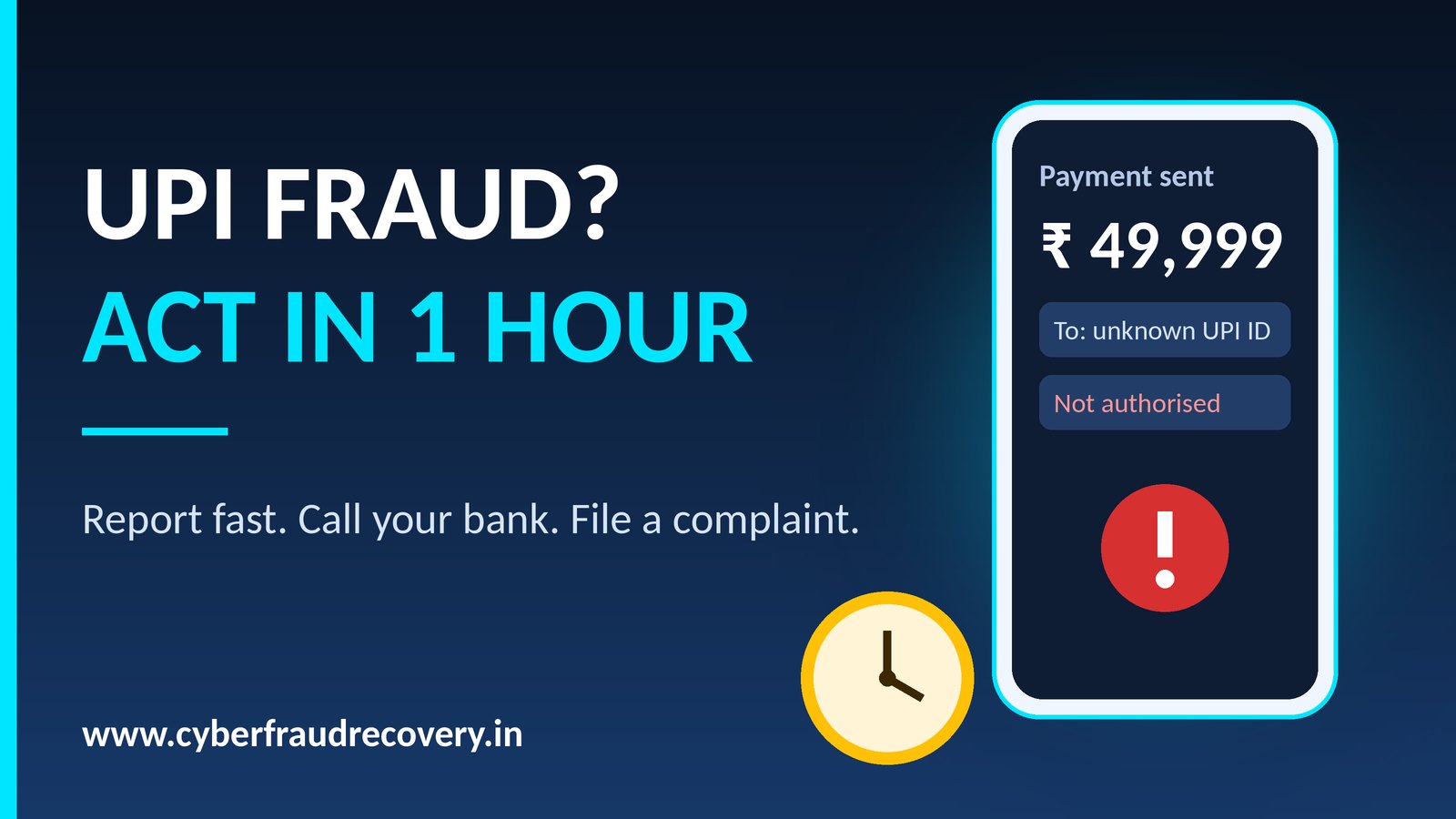
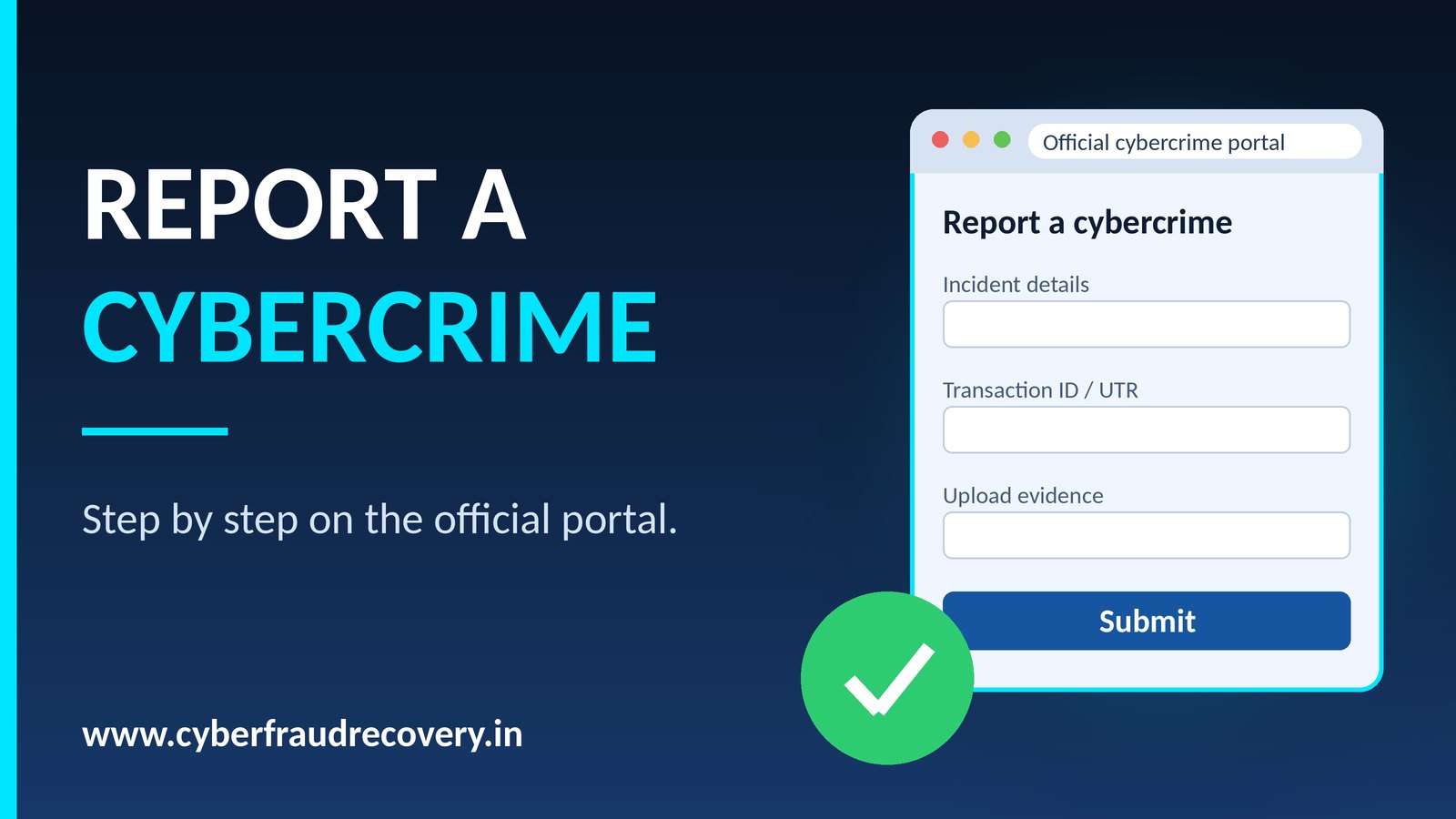
The National Cyber Crime Reporting Portal (cybercrime.gov.in) lets you file a complaint online from anywhere in India. If money has been lost, also call 1930 first; speed matters for a fund hold.
Keep these ready
- Your ID and a mobile number that can receive an OTP
- Transaction ID / UTR, date, time and amount
- The fraudster's phone number, UPI ID, bank account, website or social-media profile
- Screenshots of chats, call logs, SMS, emails and your bank statement
Step by step
- Open cybercrime.gov.in in your browser (check the address carefully; fake look-alike sites exist).
- Choose the option to report a cyber crime, then the category for financial fraud (menu wording can change).
- Register or log in with your mobile number and OTP.
- Fill in the incident details in order: what happened, when, how much, and how you were contacted.
- Upload your evidence files.
- Review everything, submit, and save the acknowledgement number.
After you file
- Use the portal's track complaint option with your acknowledgement number.
- Inform your bank and quote the complaint number.
- You may also visit the nearest police station or cyber cell with printouts of your complaint and evidence.
Tips that help
- Be exact with times, amounts and transaction IDs; mistakes slow the process.
- Add every account, number or UPI ID the fraudster used, even if you are unsure.
- Keep copies of everything you submit.
We are an independent advisory platform and not a government body. Always file on the official portal yourself.
Share this article:
WhatsApp